What Is IPTV? A Beginner's Guide for Nordic Viewers
What Is IPTV, Exactly?
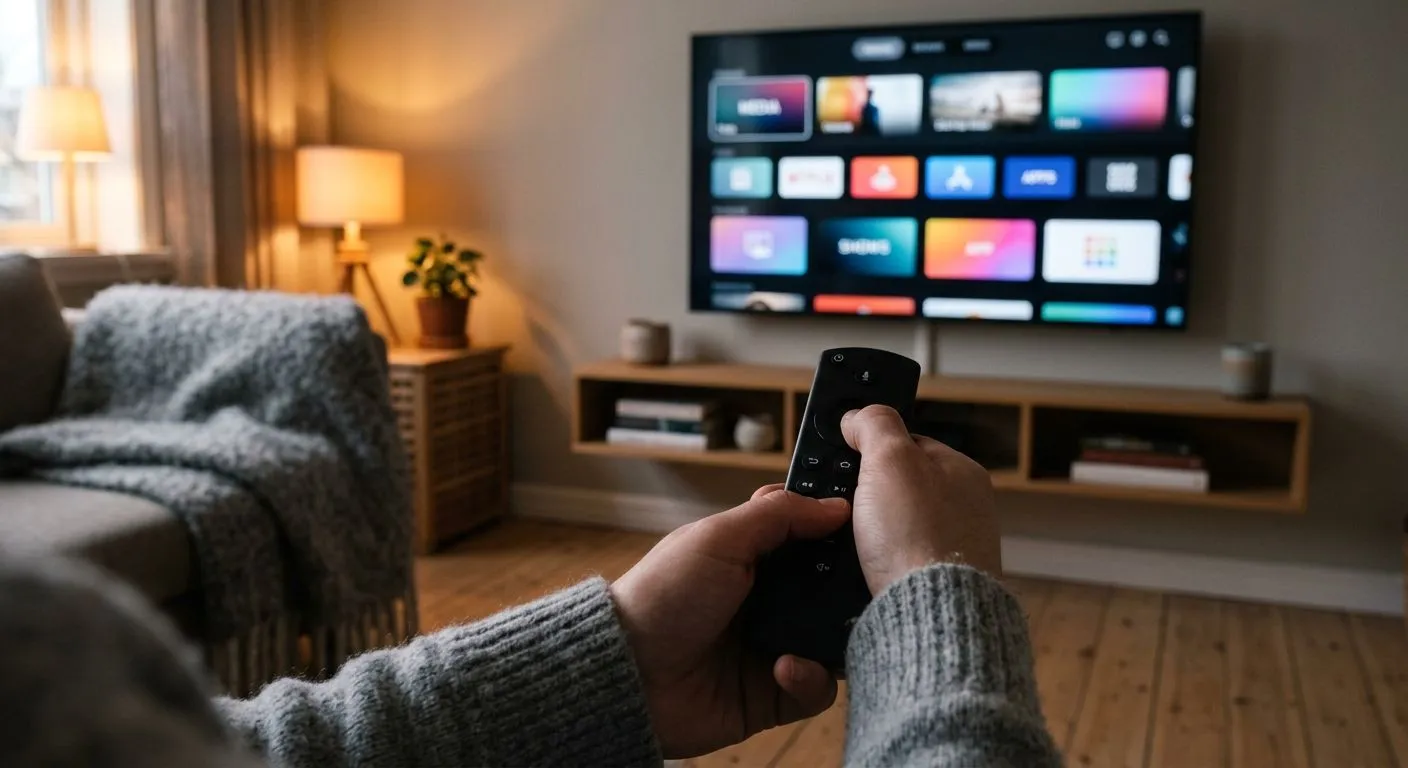
If you've been asking yourself hva er iptv (Norwegian for "what is IPTV"), the short answer is this: IPTV stands for Internet Protocol Television, and it means you watch TV channels and on-demand content through an internet connection instead of through a satellite dish, cable box, or rooftop antenna. Instead of a dedicated broadcast signal reaching your home, the video data travels over the same internet line you use for browsing and streaming.
For Nordic viewers specifically — where broadband coverage is strong and streaming habits are already high — IPTV has become a practical alternative to traditional TV packages, especially for people who want Scandinavian, international, and sports channels in one place without juggling several subscriptions.
IPTV delivers live TV channels, catch-up TV, and video-on-demand libraries as data packets sent over the internet, rather than as a broadcast signal sent through the air (terrestrial), through a satellite, or through a dedicated cable network.
In practice, this means:
- You need an internet connection with enough bandwidth to stream video (typically 15–25 Mbps for smooth HD/FHD viewing, more for multiple simultaneous streams).
- You watch through an app or a small device (a smart TV app, an Android box, a Fire Stick, or an M3U-compatible player) rather than a traditional set-top box tied to a satellite dish.
- The channel lineup — Nordic channels, international channels, sports, movies — is delivered as a subscription, similar to how you'd subscribe to Netflix, but structured more like a traditional TV package with live channels and an EPG (electronic program guide).
This is different from services like Netflix or Disney+ (SVOD platforms) because IPTV typically replicates a full live-TV experience — channel surfing, live sports, live news — alongside on-demand content, rather than offering only a fixed on-demand catalogue.
How Does IPTV / IP TV Streaming Actually Work?
The "IP" in IPTV stands for Internet Protocol — the same underlying system that routes every request, email, and page load across the internet. When people search for iptv ip or tv ip, they're usually trying to understand this exact mechanism: how a TV channel becomes something that travels over an ordinary internet connection.
Here's the simplified version:
- Video Encoding: A channel or piece of content is encoded into a compressed video format.
- Packet Routing: That video is broken into data packets and routed to your device using the same IP-based infrastructure your internet provider already uses.
- Stream Decoding: Your player (an app, a box, or a smart TV interface) receives the stream, decodes it, and displays it — usually via an M3U playlist or a Xtream Codes-style login that organizes channels into a browsable guide.
- Cross-Device Portability: Because it's IP-based rather than broadcast-based, the same subscription can often work on multiple device types — TV, phone, tablet — as long as each has an internet connection.
The trade-off is that stream quality depends on your internet connection and the provider's server capacity, not on signal strength from a satellite or antenna. A poor Wi-Fi connection will affect IPTV the same way it affects any other streaming service.
IPTV vs. Cable and Satellite: What's the Real Difference?
| Feature | IPTV | Cable TV | Satellite TV |
|---|---|---|---|
| Delivery method | Over the internet (IP) | Dedicated cable network | Satellite dish signal |
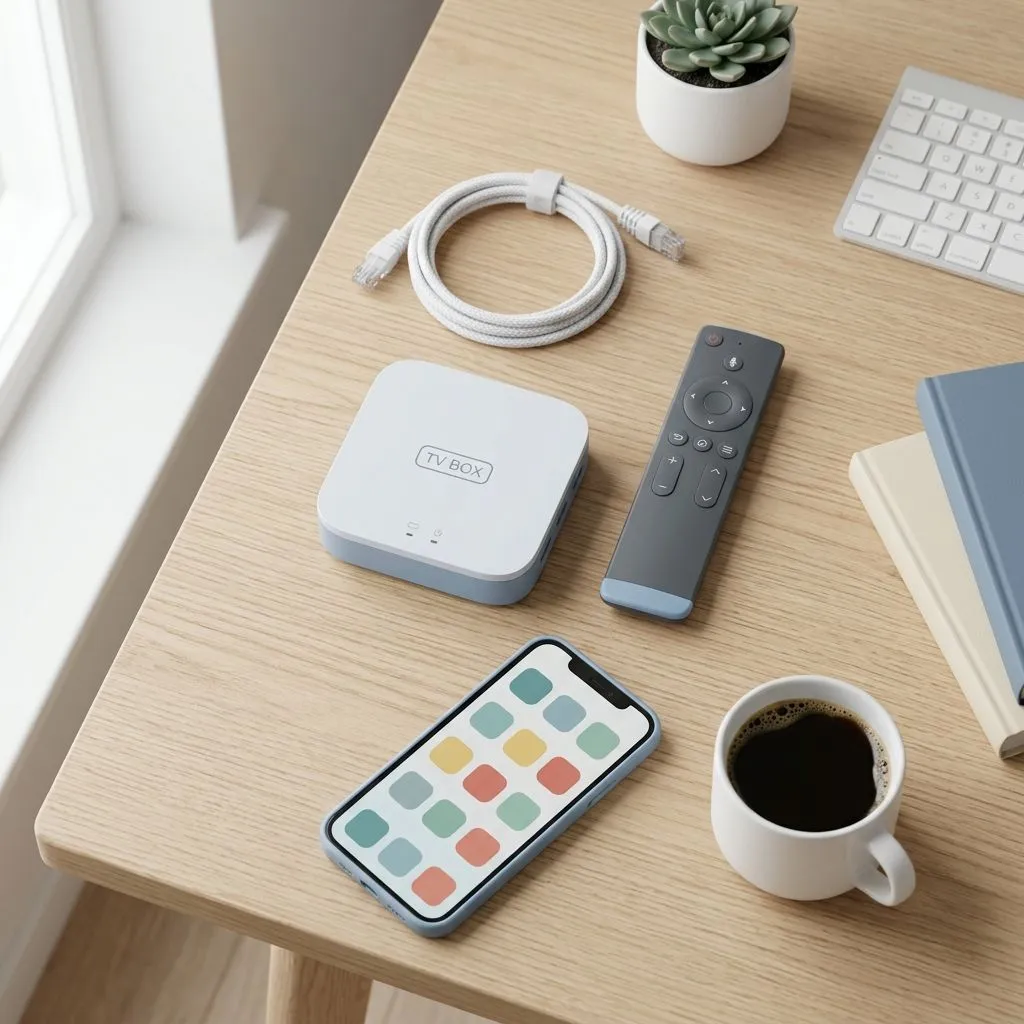
| Equipment needed | App, box, or smart TV — no dish | Set-top box, cable line | Dish + receiver |
| Installation | None (uses existing internet) | Technician visit often required | Technician visit + line of sight to satellite |
| Portability | Works on phone, tablet, TV, multiple locations | Fixed to the cable line | Fixed to the dish |
| Channel flexibility | Often bundles Nordic + international + sports | Limited to provider's regional packages | Limited to provider's regional packages |
| Weather sensitivity | Depends on internet stability | Generally unaffected | Can lose signal in heavy storms |
The practical upshot for most Nordic households: if your broadband is reliable, IPTV usually means fewer physical boxes, easier setup, and more flexibility to watch on different devices — at the cost of being fully dependent on your internet connection rather than a dedicated broadcast signal.
What Do You Need to Get Started With IPTV?
Getting set up is simpler than most people expect. You generally need:
- A stable internet connection — wired ethernet or strong Wi-Fi, ideally 15+ Mbps per stream.
- A compatible device — a smart TV, Android TV box, Amazon Fire Stick, MAG box, or even a phone/tablet.
- An IPTV app or player — something that can load an M3U playlist or accept Xtream Codes login details (common apps include IPTV Smarters, TiviMate, or similar players).
- A subscription with login credentials — this is what your IPTV provider supplies, giving you access to the channel list and EPG.
Once those four pieces are in place, setup is typically a matter of entering a URL or login details into the app — no dish alignment, no cable technician appointment.
Vad Är IPTV – A Quick Note for Swedish Viewers
If you found this page searching vad är iptv-nordic, the concept is identical across Scandinavia: IPTV ("IP-TV" in Swedish) means TV delivered through your internet connection rather than a satellite dish or cable box. What varies by country isn't the technology — it's the channel packages, since Nordic providers typically build lineups around Swedish, Norwegian, Danish, and Finnish channels alongside international and sports content, tailored to what regional audiences actually want to watch.
Is IPTV Legal?
This is one of the most common questions, and it deserves a straight answer rather than a vague one: IPTV as a technology is completely legal — it's simply a delivery method, the same way cable and satellite are delivery methods. Many major broadcasters and telecom companies use IPTV infrastructure themselves.
What matters legally is who holds the rights to the content being distributed and whether the provider has proper licensing or distribution agreements for the channels it offers. This varies by provider and by content, and it's genuinely not something a general guide can verify on your behalf for every service. If legal clarity matters to you, it's worth asking a provider directly about their content sourcing and licensing before subscribing, rather than assuming based on price alone.
Related Topics Worth Reading Next
If this guide answered your basic "hva er iptv" question, a few natural next steps for Nordic viewers are:
- How to choose the right IPTV device or app for your smart TV, Fire Stick, or Android box
- What to look for in an IPTV channel list if you want strong Nordic sports and news coverage
- How to troubleshoot buffering and connection issues so your stream stays stable during live matches
Frequently Asked Questions
Is IPTV the same as streaming services like Netflix? Not quite. Netflix is on-demand only, while IPTV typically replicates a full live-TV channel experience — including live sports and news — alongside on-demand content, using the same internet-based delivery.
Do I need special equipment for IPTV? No dish or cable box is required. You just need an internet connection, a device that can run an IPTV app (smart TV, Android box, Fire Stick, phone, or tablet), and your subscription login details.
How much internet speed do I need for IPTV? Around 15–25 Mbps is generally enough for smooth HD streaming on one device; you'll want more bandwidth if multiple people in the household are streaming different channels at once.
Why does my IPTV stream buffer or freeze? Buffering is almost always related to internet stability rather than the IPTV service itself — check your Wi-Fi signal, reduce other bandwidth-heavy activity, or connect via ethernet where possible.
Can I use IPTV on multiple devices? Most providers allow you to install the app on several device types (TV, phone, tablet), though simultaneous stream limits depend on your specific subscription plan.
Related Guides
Best Nordic IPTV Service 2026 | Full Guide
Looking for Nordic IPTV in 2026? You're choosing between dozens of providers promising every Swedish, Norwegian, and Danish channel under the sun — but quality, legality, and reliability vary enormously. This guide breaks down what actually matters before you subscribe: channel lineups, realistic pricing, setup requirements, and the legal questions most comparison sites skip.
Smart IPTV App: Setup Guide & Best Alternatives 2027
Smart IPTV is one of the most widely used IPTV player apps for Samsung and LG smart TVs, prized for its simple MAC-address activation and stable playlist handling. This guide walks through installation, activation, troubleshooting, and alternatives.
Best IPTV Box for Nordic Streaming in 2026
Looking for the best IP TV box to stream Nordic and international channels without buffering, lag, or app crashes? Below, we compare Android boxes, Fire TV, MAG boxes, and smart TVs.