How to Install Nordic IPTV on Your Device
Follow our verified, step-by-step tutorials for the top 9 IPTV applications across Samsung Smart TV, LG WebOS, Amazon Fire TV Stick, Apple TV, and Android boxes.
IBO Player Pro
IBO Player Pro is one of the most stable and feature-rich IPTV players for Nordic IPTV streaming on Smart TVs, offering fast zapping speeds, customizable EPG, and multi-playlist support.
Numbered Installation & Activation Guide:
Install IBO Player Pro on Your Device
Search for "IBO Player Pro" in your Smart TV App Store (Samsung Tizen Store, LG Content Store, Google Play Store, or Amazon Appstore) and click Install.
💡 Tip: Ensure your TV is connected to high-speed internet (50 Mbps+ recommended for 4K Nordic IPTV streams).
Launch the App and Note Device Details
Open IBO Player Pro on your screen. You will see a welcome screen displaying your unique Device MAC Address (format XX:XX:XX:XX:XX:XX) and Device Key.
💡 Tip: Take a clear photo of the screen or write down both credentials exactly as shown.
Send Details to Nordic IPTV Pro WhatsApp Support
Send your Device MAC Address and Device Key to our WhatsApp support team. We will upload your Nordic IPTV M3U playlist URL directly to your player portal within 2 minutes.
💡 Tip: Alternatively, visit the official IBO upload portal, log in with your MAC + Key, and paste your Nordic IPTV M3U playlist.
Restart the App and Enjoy Nordic Channels
Reload or restart IBO Player Pro. Your complete Nordic channel lineup (Sweden, Norway, Denmark, Finland) along with EPG and 4K VOD will immediately appear ready to stream.
IBO Player
The standard edition of IBO Player is a lightweight, reliable media player known for smooth bufferless playback of Nordic sports and live TV channels.
Numbered Installation & Activation Guide:
Download IBO Player
Find and download IBO Player from the official application store on your smart device.
Retrieve Your MAC & Device Key
Open the application to locate your MAC Address and Device Key on the main screen.
Link Your Nordic IPTV Subscription
Provide the MAC address to our WhatsApp team or upload the M3U URL provided in your subscription email via the online portal.
Refresh Playlist
Click "Reload" or restart the application to start watching live Nordic IPTV channels.
Set IPTV
Set IPTV is a proven, highly responsive IPTV app for Samsung and LG TVs that allows rapid playlist upload and full Swedish/Norwegian/Danish EPG synchronization.
Numbered Installation & Activation Guide:
Install Set IPTV App
Search for "Set IPTV" in your TV app store and download the application.
Find the TV MAC Address
Launch Set IPTV and copy the TV MAC address displayed on the screen.
Upload Nordic IPTV M3U Playlist
Go to the Set IPTV upload web page (setsiptv.com/set.app), enter your MAC address, paste your Nordic IPTV M3U Link in the URL field, and click "Send".
Reboot Set IPTV
Restart the app on your TV to load all Nordic TV channels and live sports packages.
Hot Player
Hot Player delivers an intuitive interface with lightning-fast channel zapping, multi-audio language switching, and full Nordic subtitle support.
Numbered Installation & Activation Guide:
Download Hot Player
Search for "Hot IPTV" or "Hot Player" in your TV App Store and install it.
Get Your Activation Code or MAC
Open Hot Player and write down the MAC ID and Activation Code shown on screen.
Upload Nordic IPTV Link
Visit the Hot Player management page, enter the MAC ID, and paste your Nordic IPTV Pro M3U URL.
Reload the Application
Press the refresh button in the app to access all Swedish, Norwegian, and Danish live channels.
BOB Player
BOB Player is a modern, sleek media player built for next-generation Smart TVs with fast hardware decoding for 4K 60FPS Nordic live sports.
Numbered Installation & Activation Guide:
Install BOB Player
Find BOB Player in your device store and initiate installation.
Obtain Device ID & Key
Launch BOB Player and take note of the Device ID and Device Key.
Sync Nordic IPTV Line
Share your Device ID with our WhatsApp team or upload your M3U playlist via the BOB Player web portal.
Start Streaming
Exit and re-enter BOB Player to stream live Nordic channels.
STZ Player
STZ Player provides advanced caching mechanisms and zero-lag stream switching, making it an excellent choice for Nordic sports enthusiasts.
Numbered Installation & Activation Guide:
Install STZ Player
Download STZ Player from Google Play or sideload via the Downloader app on Amazon Fire TV (code provided on request).
Choose Xtream Codes Login
Launch STZ Player and select "Login with Xtream Codes API".
Enter Nordic IPTV Server Credentials
Enter Any Name (e.g. Nordic IPTV Pro), Server URL, Username, and Password provided in your WhatsApp activation.
Download Channels & EPG
Click "Login" and wait for channels, movies, and TV series to download completely.
TiviMate
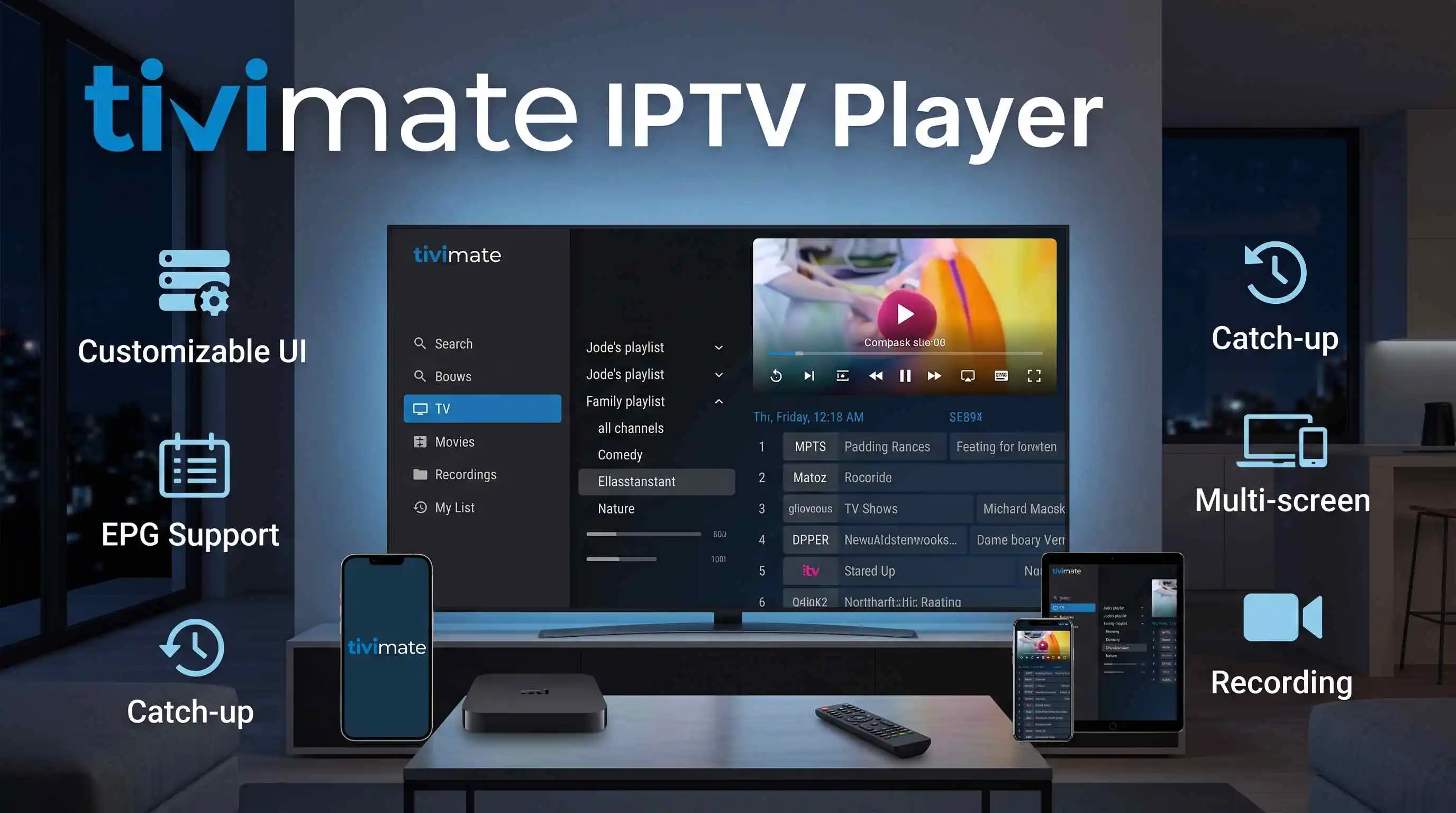
Widely regarded as the gold standard of IPTV apps on Android and Fire TV devices. TiviMate features a pristine cable-like TV guide, multi-view screen, recording, and catch-up TV.
Numbered Installation & Activation Guide:
Install TiviMate IPTV Player
On Android TV / Google TV, install TiviMate from the Google Play Store. On Amazon Fire TV, use the Downloader app and enter code 272483 to install TiviMate.
Add Playlist -> Xtream Codes
Open TiviMate, click "Add Playlist", and select "Xtream Codes".
Enter Server Details
Fill in Server Address (e.g. http://nordic-server.net:8080), Username, and Password supplied with your Nordic IPTV Pro subscription.
Enable EPG & Enjoy 4K Streaming
Toggle "Include VOD" and click Done. TiviMate will automatically fetch the Nordic TV Guide and all high-definition channels.
IPTV Smarters Player
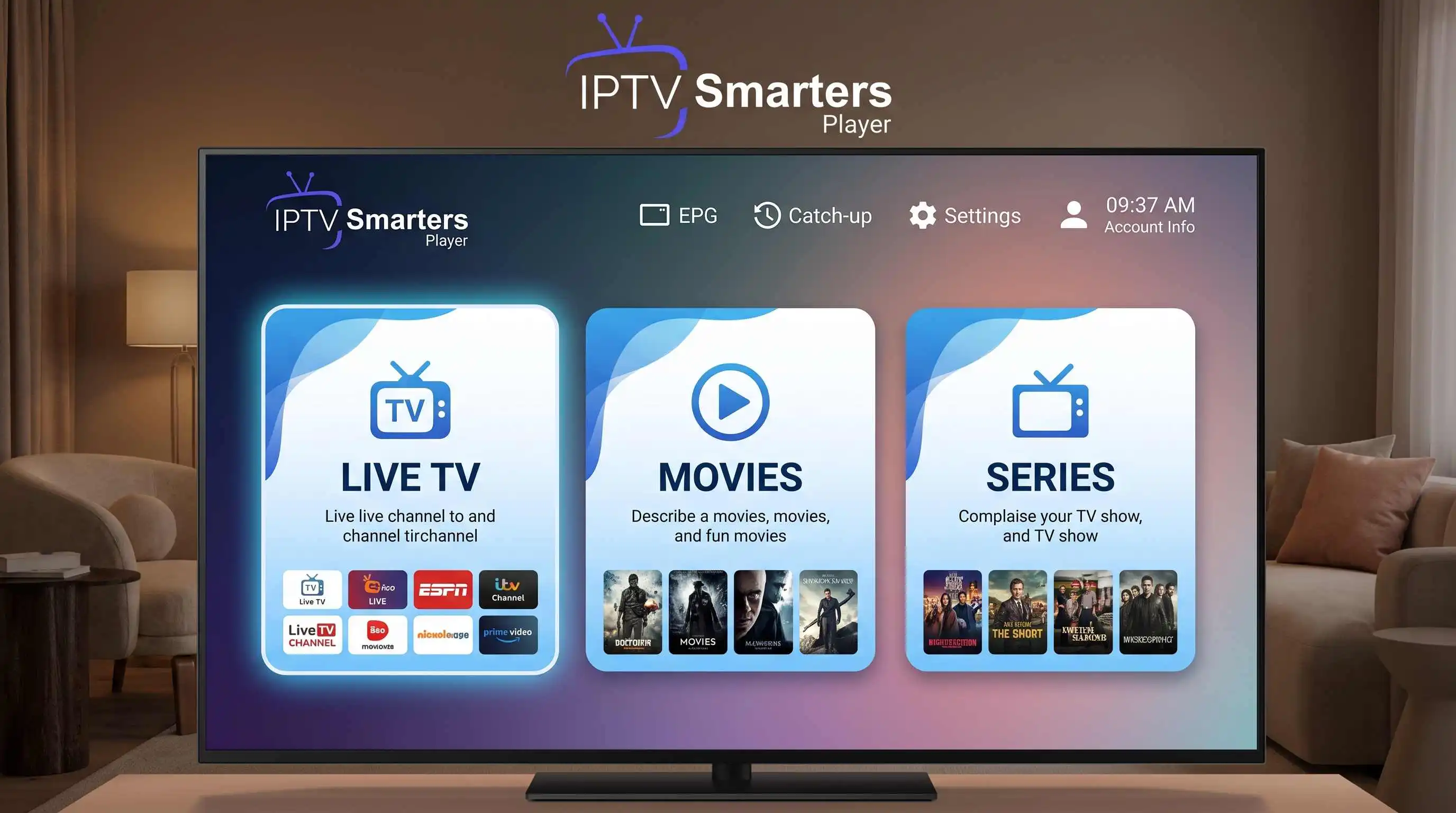
IPTV Smarters Pro is the most versatile cross-platform IPTV application in the world. Easy to set up with Xtream Codes API on virtually any smartphone, tablet, or TV.
Numbered Installation & Activation Guide:
Install IPTV Smarters Pro
Download "IPTV Smarters Pro" or "Smarters Player Lite" from the Apple App Store, Google Play Store, or Samsung/LG App Store.
Accept Terms & Choose Xtream Codes
Open the app, accept terms, and click "Login with Xtream Codes API".
Fill in Credentials
Enter: Name (Nordic IPTV Pro), Username, Password, and the Server URL from your activation message.
Click Add User
Tap "Add User". The app will download Live TV, Movies, and Series categories with full Nordic language support.
Virginia Player
Virginia Player is a smooth, user-friendly Smart TV application designed for hassle-free playlist management and crystal-clear FHD/4K Nordic streams.
Numbered Installation & Activation Guide:
Download Virginia Player
Locate Virginia Player in your Samsung or LG TV App Store and install it.
Note Your Device MAC Address
Launch the application and copy down your TV MAC address and device key.
Connect Your Nordic IPTV Subscription
Send the MAC to our WhatsApp support or upload your M3U link via the Virginia Player web portal.
Reload & Watch
Restart Virginia Player to enjoy unlimited Nordic and European live television.
Smart IPTV
Smart IPTV (SIPTV) is one of the classic, widely known IPTV players for Samsung and LG smart televisions with direct MAC address activation.
Numbered Installation & Activation Guide:
Install Smart IPTV (SIPTV)
Download Smart IPTV from your TV App Store (on Samsung Tizen or LG WebOS) or sideload on Fire TV.
Copy TV MAC Address
Open the app and copy your TV MAC address (e.g., 00:1a:79:xx:xx:xx).
Upload M3U URL at siptv.app
Go to https://siptv.app/mylist on your computer or phone. Enter your MAC address, paste your Nordic IPTV M3U URL into the "URL" box, check "I am not a robot", and click "Send".
Restart Smart IPTV App
Press the "0" key or restart the app on your TV to reload the Nordic playlist.
Need Free Remote Setup Help?
Our Nordic IPTV Pro engineers are available 24/7 on WhatsApp to guide you through your player activation step-by-step.