Best IPTV Box for Nordic Streaming in 2026
What Makes a Good IPTV Box for Nordic Channels
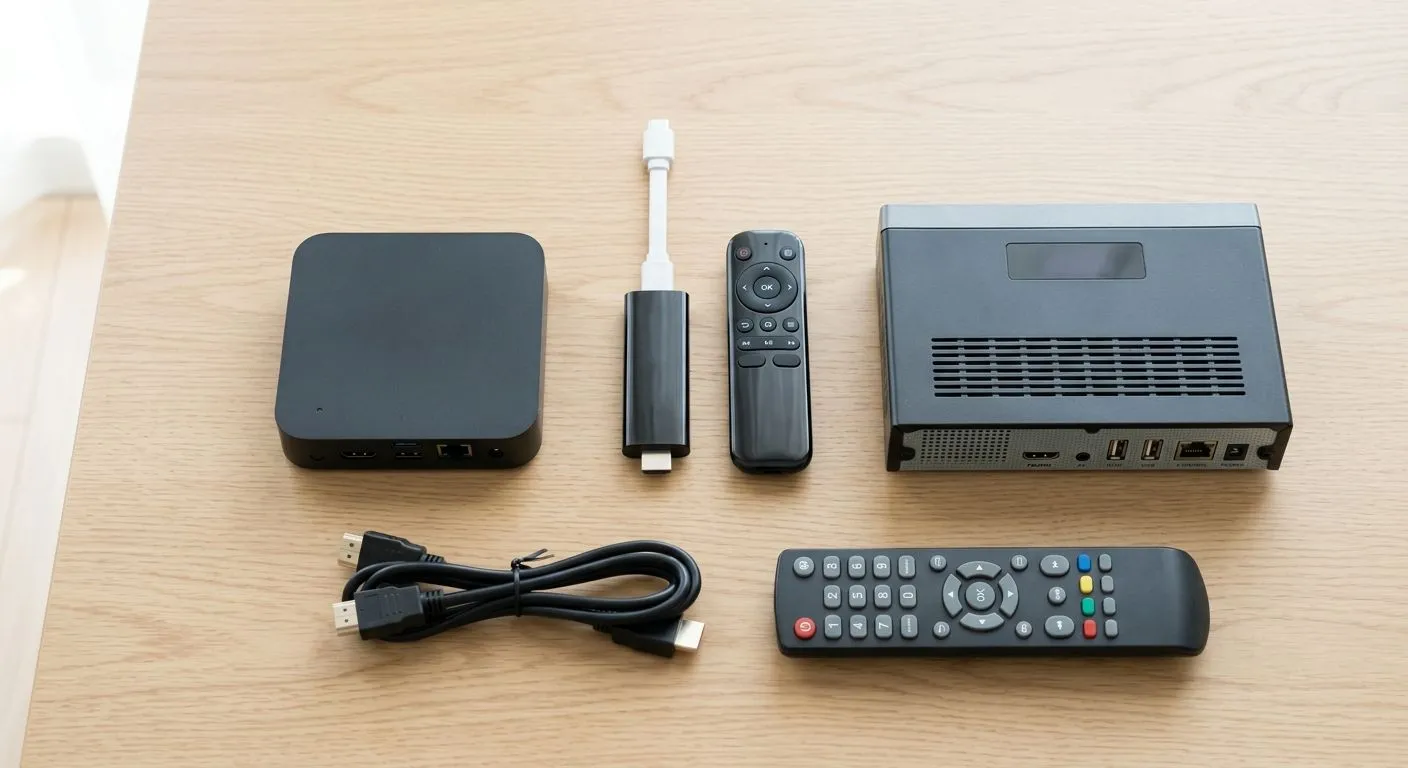
Looking for the best ip tv box to stream Nordic and international channels without buffering, lag, or app crashes? The right box comes down to three things: how it handles high-bitrate Nordic streams, how stable its Wi-Fi or Ethernet connection is, and whether it plays nicely with your IPTV player app of choice. Below, we compare the main device types — Android boxes, Fire TV, MAG boxes, and smart TVs — so you can pick the one that fits your setup.
Nordic IPTV streams (especially Norwegian, Swedish, Danish, and Finnish channels in HD or 4K) tend to be bandwidth-heavy compared to average international feeds. A weak box will show it fast — pixelation during sports broadcasts, audio drift, or the app freezing when you switch channels.
Before comparing specific devices, here's what actually matters:
- Processing power — at least a quad-core chip; anything older struggles to decode H.265/HEVC streams smoothly.
- RAM — 2GB minimum, 4GB if you plan to run multiple apps (IPTV player + catch-up TV + streaming apps) side by side.
- Connection type — Ethernet beats Wi-Fi for Nordic 4K content; if you're on Wi-Fi, 5GHz is close to mandatory.
- App compatibility — the box needs to run your IPTV player (IPTV Smarters, TiviMate, or similar) cleanly, without forced updates breaking playback.
If a device ticks these boxes, it'll handle a Nordic IPTV subscription without much fuss.
Best IPTV Box Options Compared
There isn't one universal "best" box — it depends on your TV, your budget, and whether you want something plug-and-play or more configurable. Here's how the main categories stack up.
| Device type | Best for | Typical price | Setup difficulty | Notes |
|---|---|---|---|---|
| Android TV box (e.g. generic quad-core boxes) | Best all-round performance, app flexibility | €40–€90 | Medium | Widest app support, easiest to sideload IPTV players |
| Amazon Fire TV Stick 4K | Budget setups, non-technical users | €40–€60 | Easy | Great value, but Amazon's app store restrictions mean some IPTV apps need sideloading |
| MAG box (MAG 254/322/424 etc.) | Users who already own one, dedicated IPTV-only setups | Often already owned, otherwise €70+ | Medium-Hard | Purpose-built for IPTV but limited to older, IPTV-specific firmware — less flexible than Android |
| Smart TV built-in apps | Simplicity, no extra hardware | €0 (already in the TV) | Easy | Convenient, but app selection and update support vary a lot by TV brand and model year |
| Nvidia Shield / higher-end Android boxes | Power users, large channel lists, 4K sports | €150–€200 | Easy-Medium | Smoothest experience, but a real premium over basic Android boxes |
IPTV Boks vs IPTV Bokser: Do You Need a Dedicated Device?
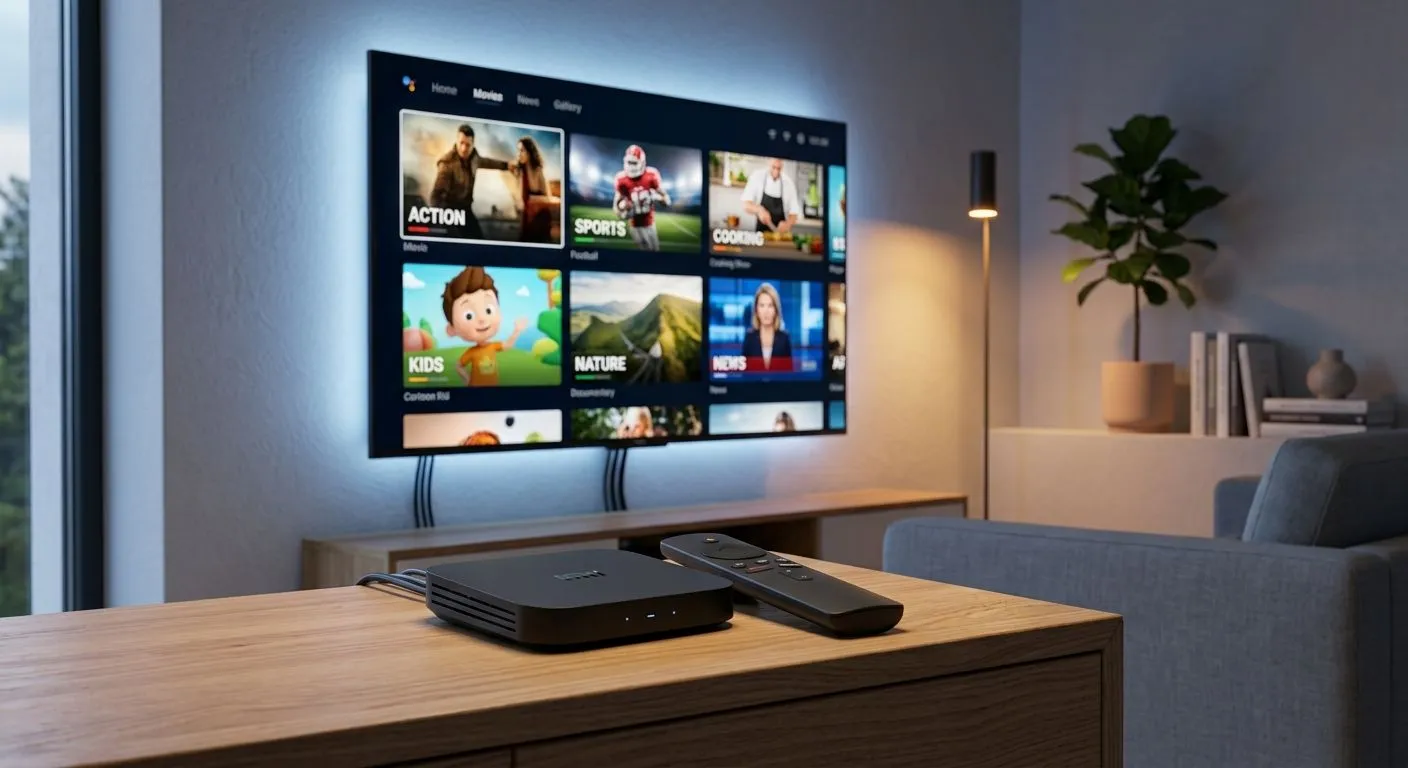
If you're searching for an iptv boks (the Norwegian/Danish term for IPTV box), the honest answer is: not always. Modern smart TVs and Fire TV Sticks can run most IPTV player apps directly, so a dedicated box isn't mandatory for casual viewing.
Where a separate box earns its keep is when you're comparing several iptv bokser for a household with multiple TVs, or when your current TV is a few years old and starts to lag on higher-bitrate Nordic channels. In that case, a standalone Android box is usually the more future-proof pick over relying on aging smart TV hardware.
Is a MAG Box Norge Setup Still Worth It?
MAG boxes had a strong run in Nordic households because IPTV providers used to issue them directly, and searches for mag box norge setups are still common. They're reliable for basic channel-and-EPG use, but the hardware is old by streaming standards — most models top out well below what's needed for smooth 4K sports coverage, and firmware updates have slowed as manufacturers shift focus to Android-based devices.
If you already own a MAG box, it'll still work for standard-definition and most HD Nordic channels. If you're buying new hardware in 2026, an Android box or Fire TV Stick will generally give you better long-term app support for the same or lower price.
Box IPTV Setup: What to Expect
Whichever box iptv device you choose, the setup process looks roughly the same:
- Connect the box to your TV (HDMI) and network (Ethernet preferred, Wi-Fi as backup).
- Install your IPTV player app — either from the device's app store or via sideloading, depending on the box.
- Enter your subscription's M3U playlist URL or Xtream login details.
- Let the app load the channel list and EPG (electronic program guide).
- Test a few Nordic channels during peak hours (evening, weekends) to check for buffering under real load.
That last step matters more than people expect — a box that streams fine at 2pm on a Tuesday can behave differently during a Friday-night sports broadcast when network load is higher across the board.
A Note on Streaming Legality
IPTV as a technology is completely legal — it's simply a delivery method for TV content over the internet, and many official broadcasters use it themselves. What matters is the source: content should be properly licensed by the provider offering it. When choosing an IPTV service, it's worth checking that the provider is transparent about the channels they carry and doesn't make vague or exaggerated claims about unlimited access to every paid network worldwide.
Our Take: Which Box Should You Buy?
- Want the best all-round value? A mid-range Android TV box (quad-core, 4GB RAM) covers 90% of use cases.
- Already have a Fire TV Stick? Use it — just be ready to sideload your IPTV player app.
- Own a MAG box? Keep using it for standard viewing, but don't expect it to be your long-term 4K solution.
- Want zero extra hardware? Check if your smart TV's app store supports a proper IPTV player before buying anything.
If you're also comparing setup options for a Firestick or working out how to configure an EPG properly, those are worth reading up on separately — they go hand-in-hand with picking the right box.
FAQ
Do I need a special IPTV box, or can I use my smart TV? Most modern smart TVs can run IPTV player apps directly, so a dedicated box isn't required for casual use. A separate box helps mainly when your TV is older or you want a more powerful, upgradeable device.
What's the difference between an Android IPTV box and a MAG box? Android boxes run a full app ecosystem and support most IPTV player apps, while MAG boxes are purpose-built, older hardware designed specifically for IPTV playback with more limited flexibility.
Can I use a Fire TV Stick for Nordic IPTV channels? Yes — a Fire TV Stick 4K handles most Nordic IPTV streams well, though you may need to sideload your IPTV player app since it's not always available through the standard Amazon app store.
How much RAM does an IPTV box need for smooth 4K streaming? 4GB is a safe minimum for smooth 4K playback alongside an EPG and multiple apps running; 2GB can work but may struggle during high-bitrate sports broadcasts.
Is Ethernet really necessary, or is Wi-Fi good enough? Wi-Fi works fine for most standard and HD channels, but Ethernet gives more consistent performance for 4K Nordic streams, especially during peak evening hours when Wi-Fi congestion is higher.
Related Guides
Best Nordic IPTV Service 2026 | Full Guide
Looking for Nordic IPTV in 2026? You're choosing between dozens of providers promising every Swedish, Norwegian, and Danish channel under the sun — but quality, legality, and reliability vary enormously. This guide breaks down what actually matters before you subscribe: channel lineups, realistic pricing, setup requirements, and the legal questions most comparison sites skip.
Smart IPTV App: Setup Guide & Best Alternatives 2027
Smart IPTV is one of the most widely used IPTV player apps for Samsung and LG smart TVs, prized for its simple MAC-address activation and stable playlist handling. This guide walks through installation, activation, troubleshooting, and alternatives.
Hvordan Sette Opp IPTV: Steg-for-Steg Guide
Lær hvordan sette opp IPTV på Smart-TV, mobil, Firestick og Android-boks med vår enkle steg-for-steg veiledning.